E-Learning SaaS revamp
Summary
Blendedx is an e-learning module on the CKLS SaaS by CrossKnowledge. It allows organizations to create engaging and customizable training programs using videos, quizzes, articles, and collaborative activities. The goal is to deliver interactive, blended learning experiences that combine digital content with live or virtual sessions



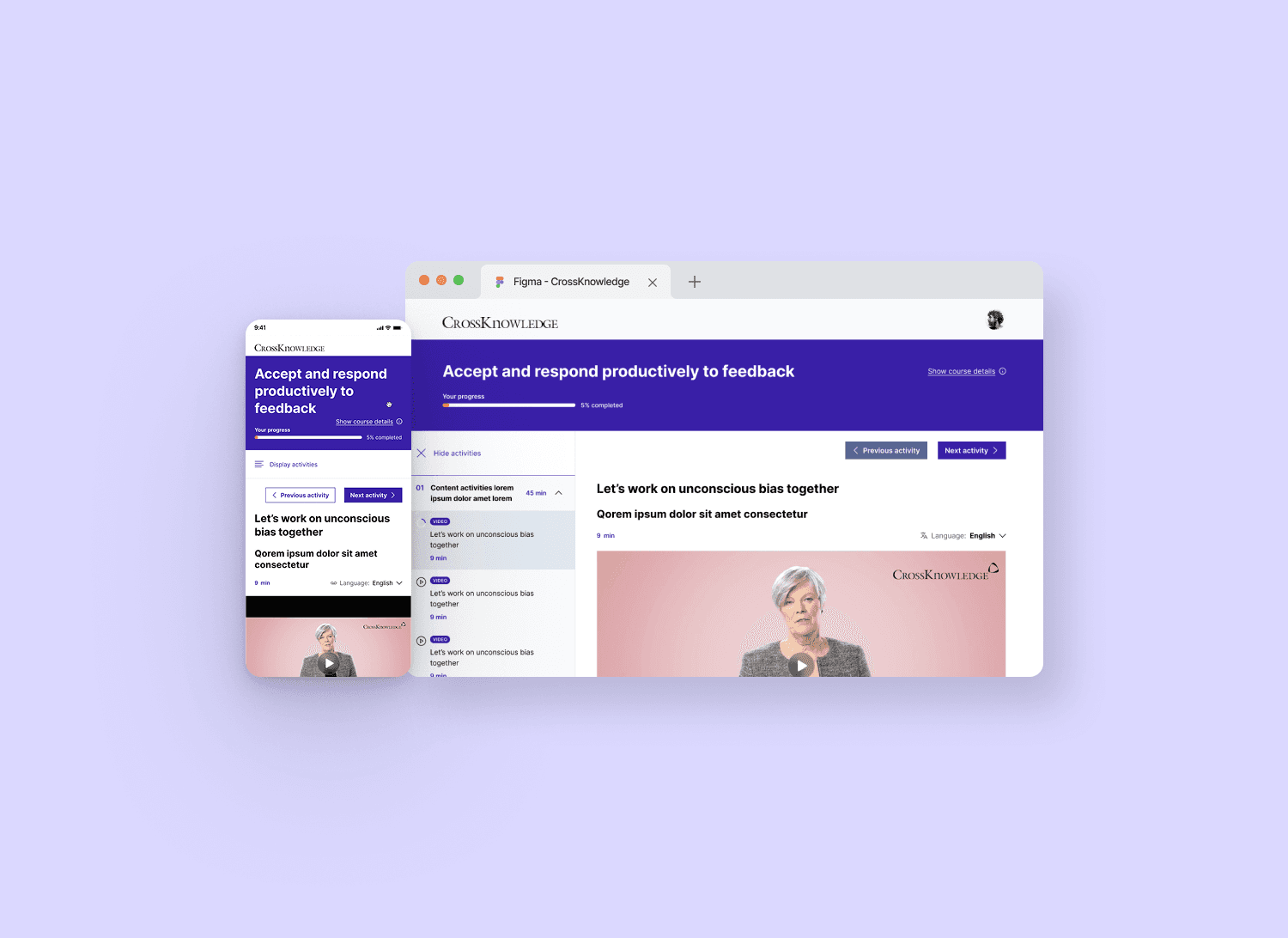
Product designer
CrossKnowledge
E-Learning
3.6 Million
Desktop - Mobile
UX - UI - Research - Analytics
Problems Identified
-Confusing and discouraging user experience, while initial curiosity was high, learners quickly lost motivation due to a cluttered, unintuitive, and outdated interface.
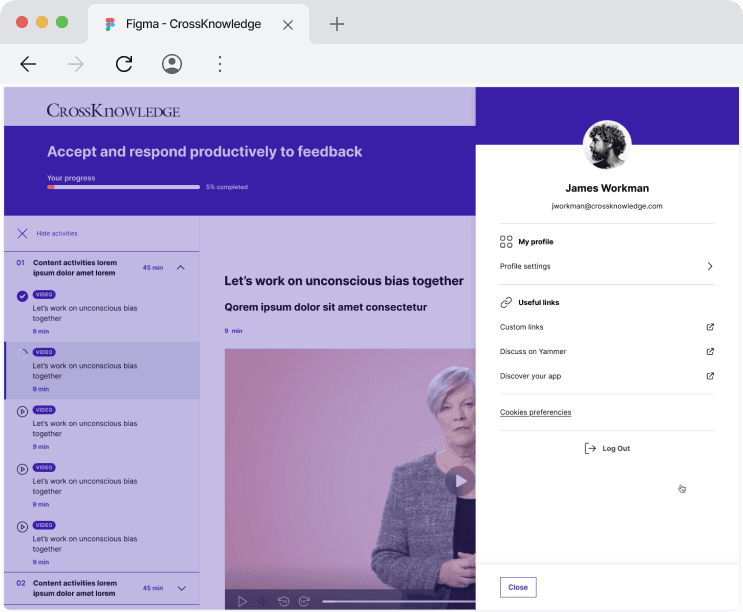
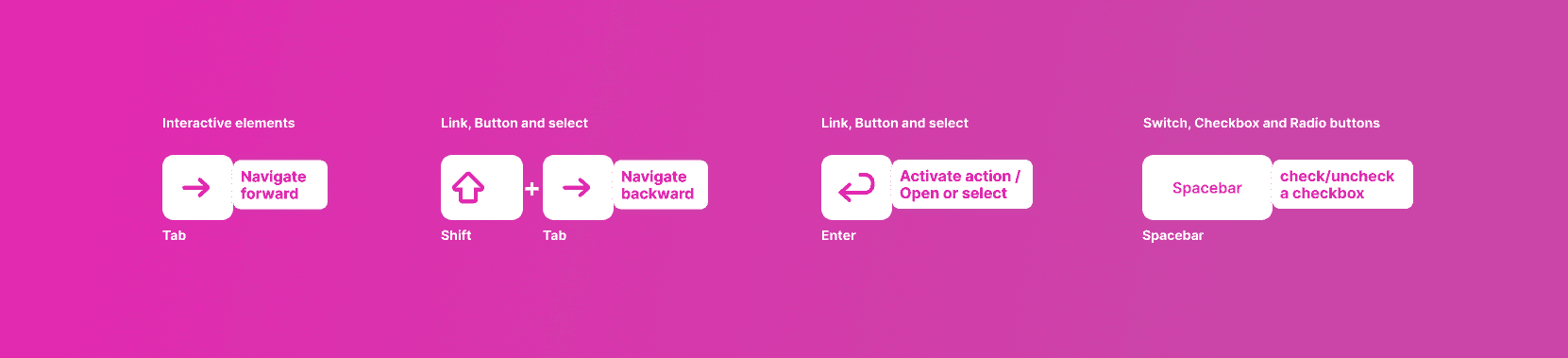
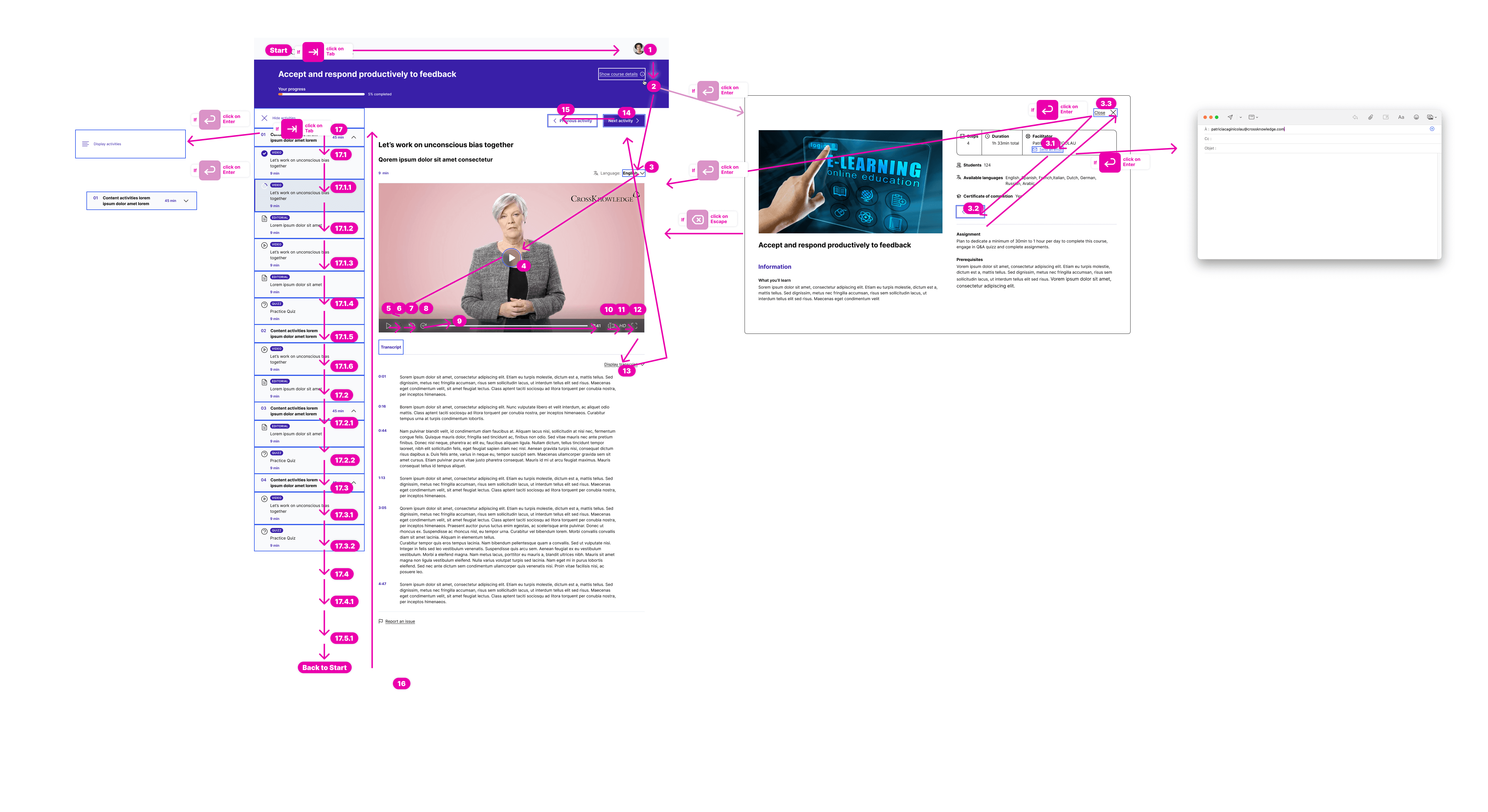
-Critical accessibility gaps, no support for screen readers, poor keyboard navigation, low color contrast, and non-compliance with basic accessibility standards, making the platform exclusionary.
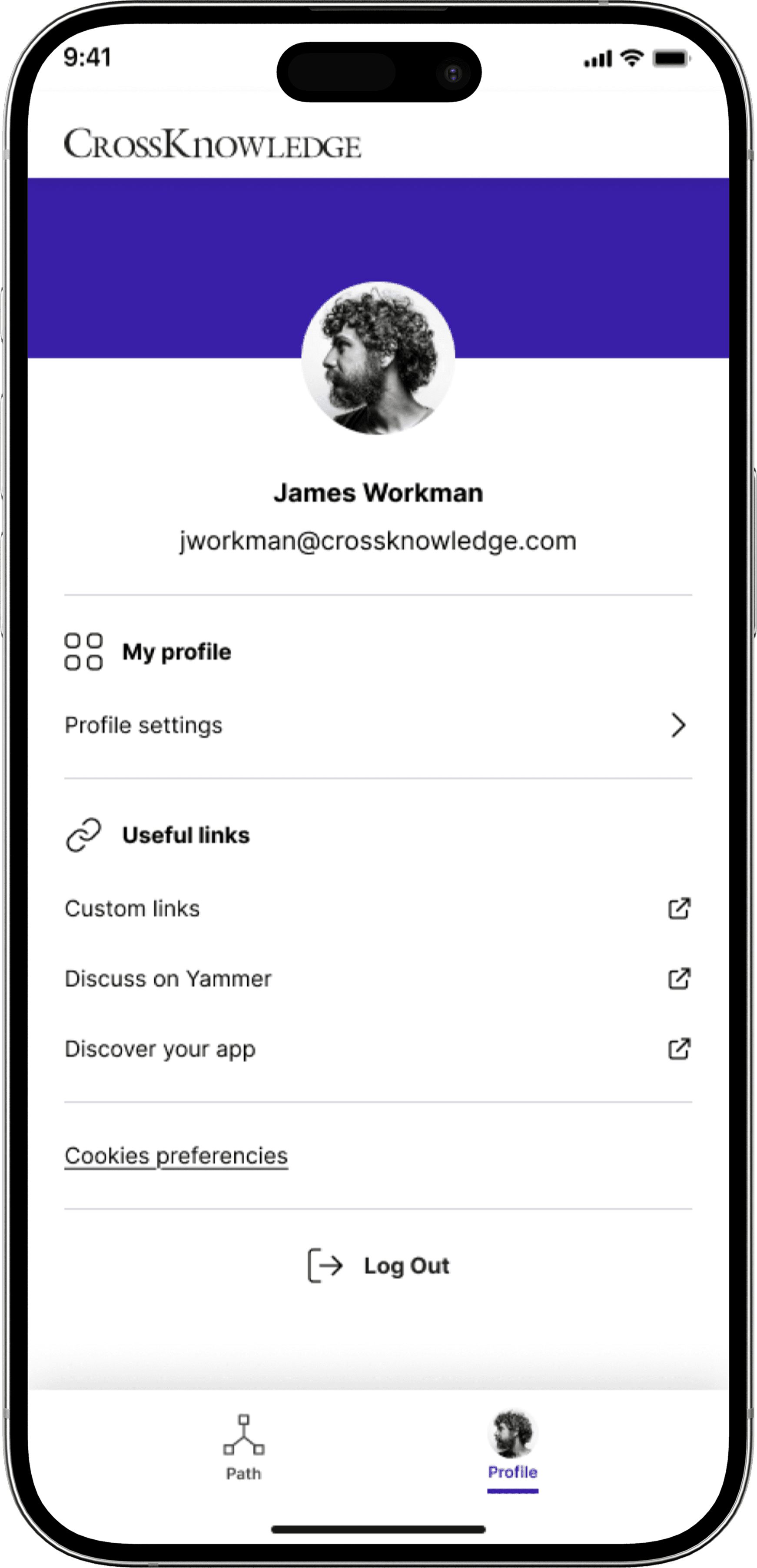
-Poor mobile usability, the design was not optimized for learning on the go, leading to frustration and disengagement among mobile users
My role
-I led UX research, wireframing, and usability testing, ensuring a smooth, engaging, and motivating experience for learners
-I restructured the information architecture and redesigned the user flows to make learning paths intuitive and easy to follow.
-I introduced WCAG-compliant accessibility guidelines, optimized contrast & typography, and designed with screen reader and keyboard navigation support.
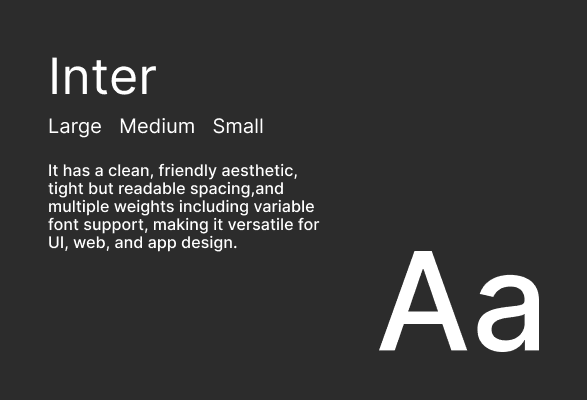
-I created a new design system with reusable UI components, ensuring scalability, consistency, and efficiency for future product iterations.
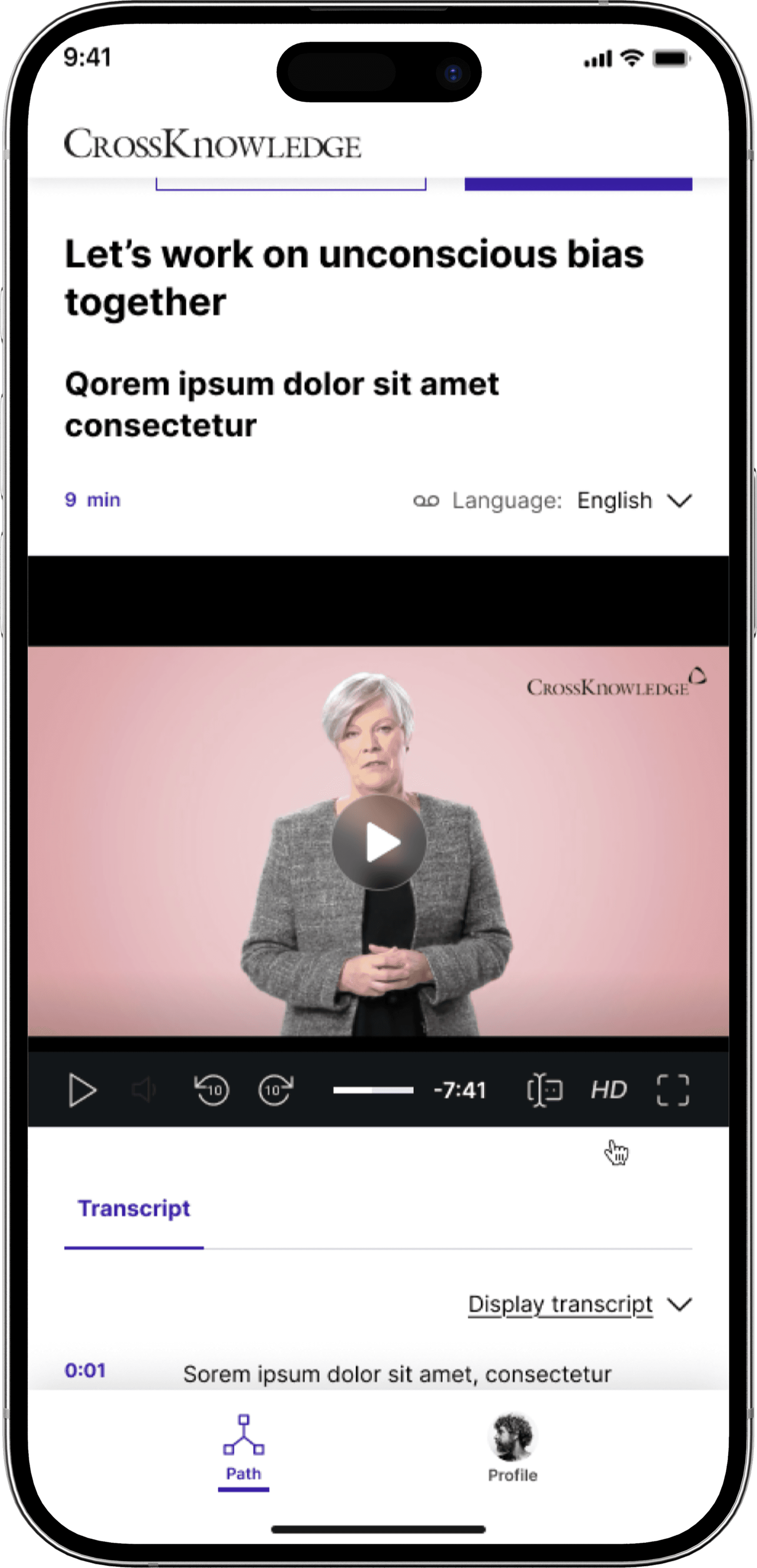
-I redesigned the mobile-first experience, ensuring responsive layouts, faster load times, and seamless cross-device learning.
Design Thinking process
Building solution using double diamond process

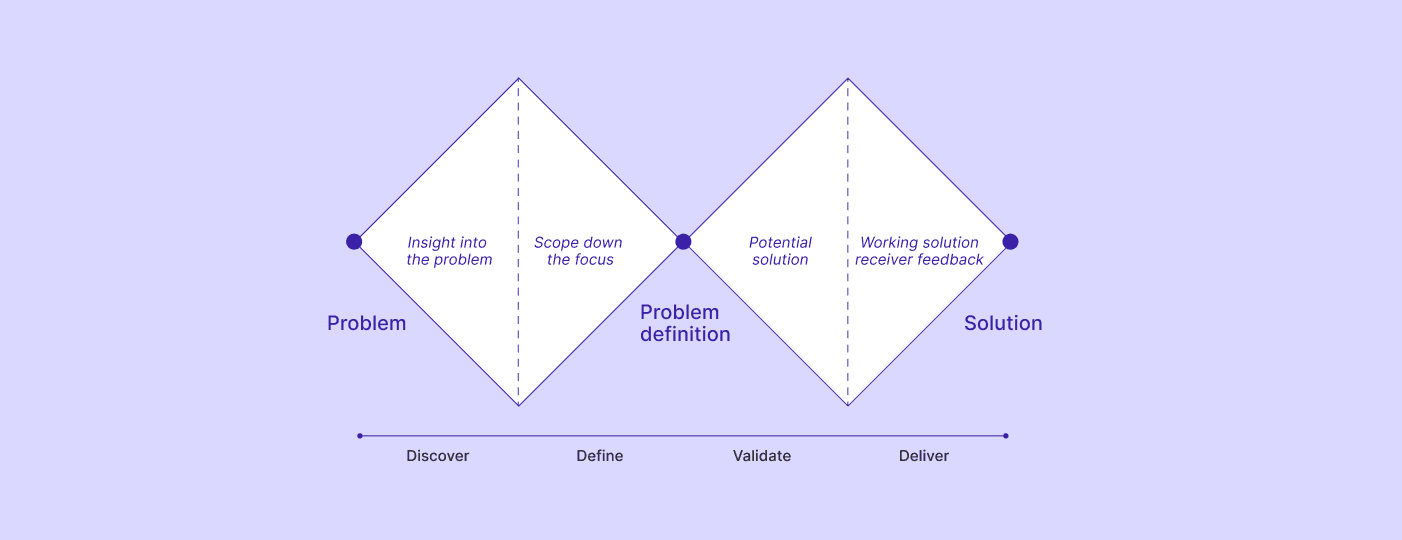
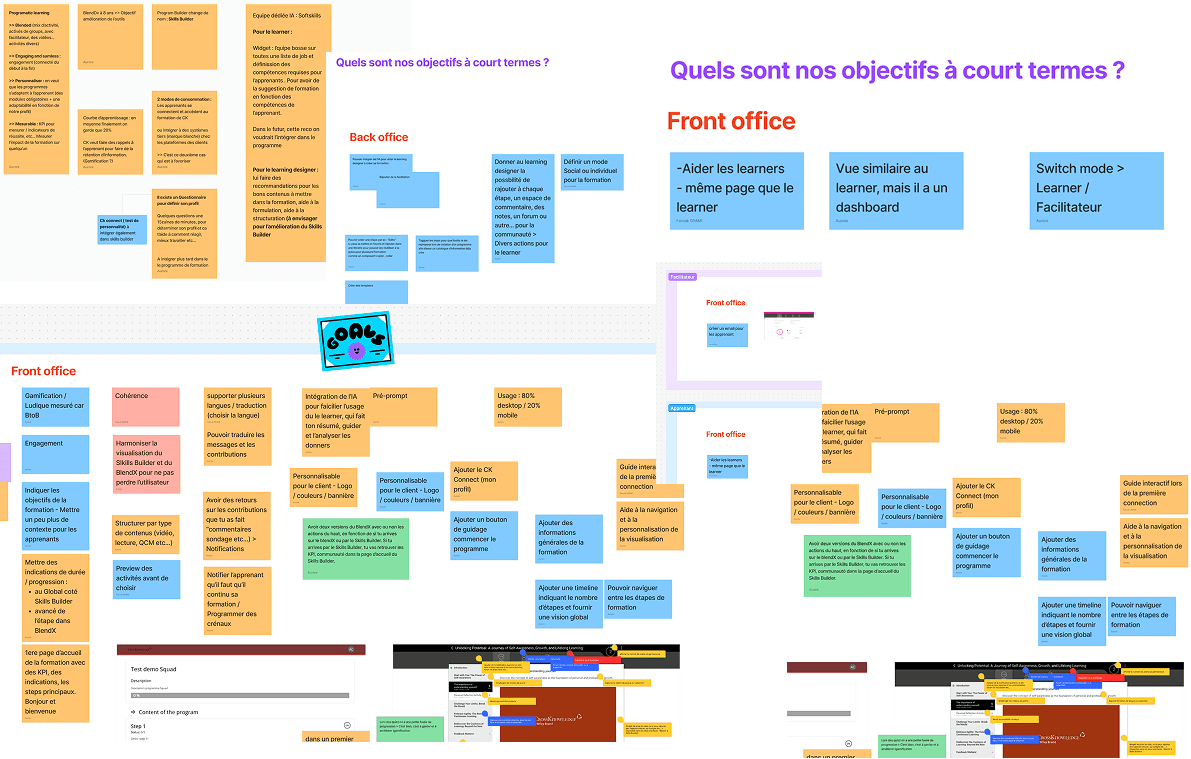
Discover Workshops
Meeting with stakeholders to identify business and product goals, understand technical and time constraints, and review the product’s history.
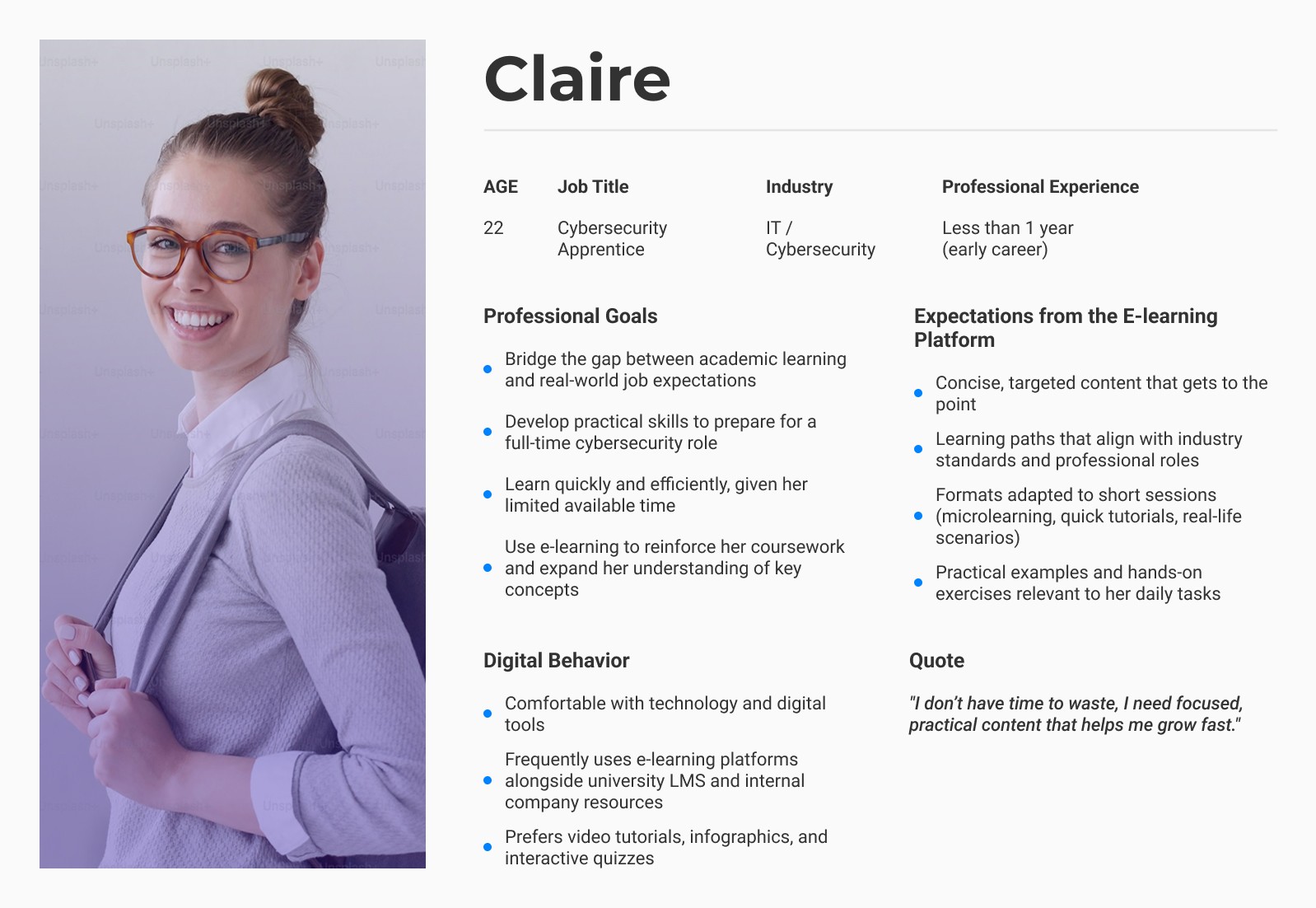
User research
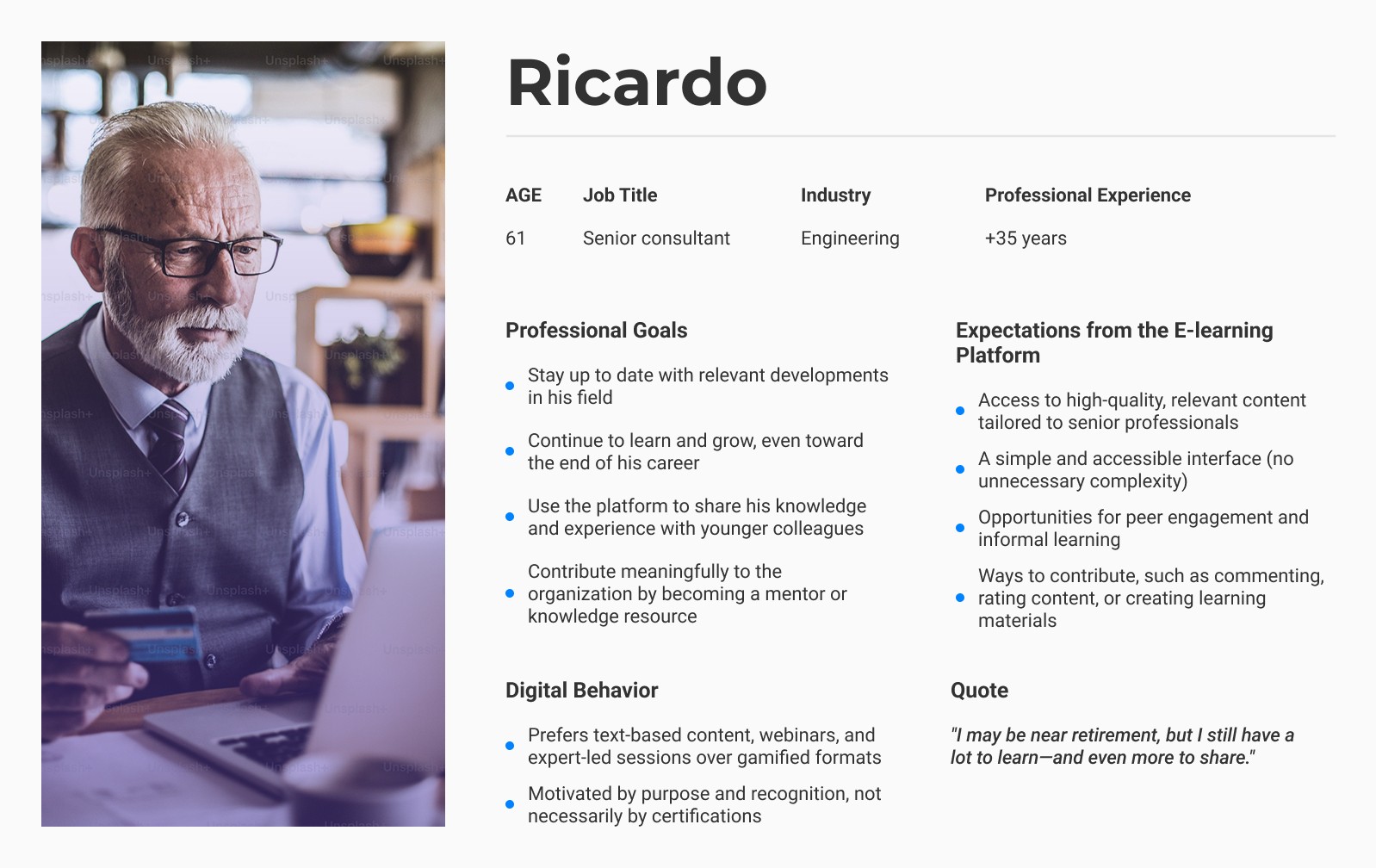
Personas, for who we are building for
12
Users were recruited
80%
75%
25%
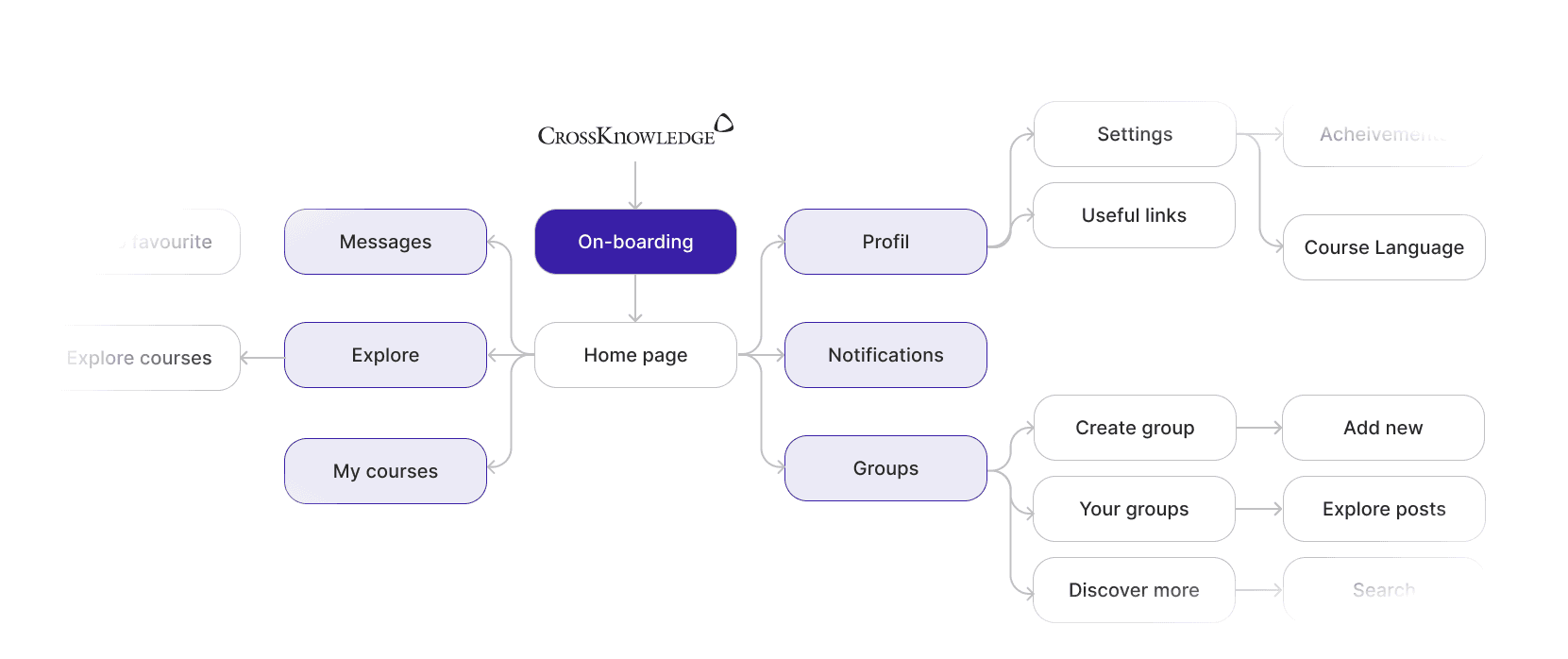
User flow
Shaping Blendedx through insights
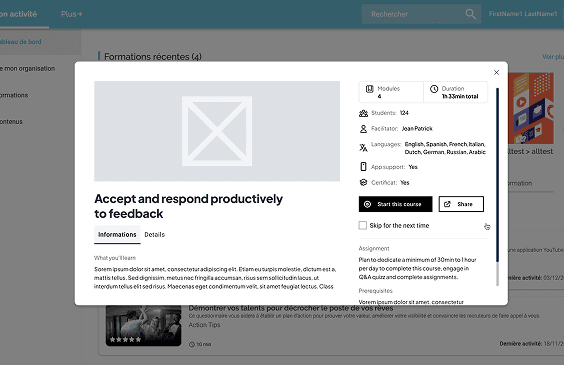
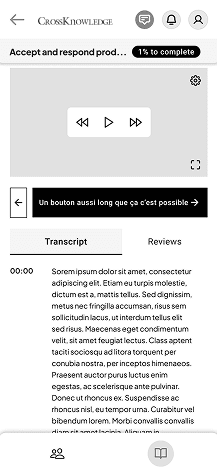
Wireframing and testing
Blueprints that breathe, testing with care
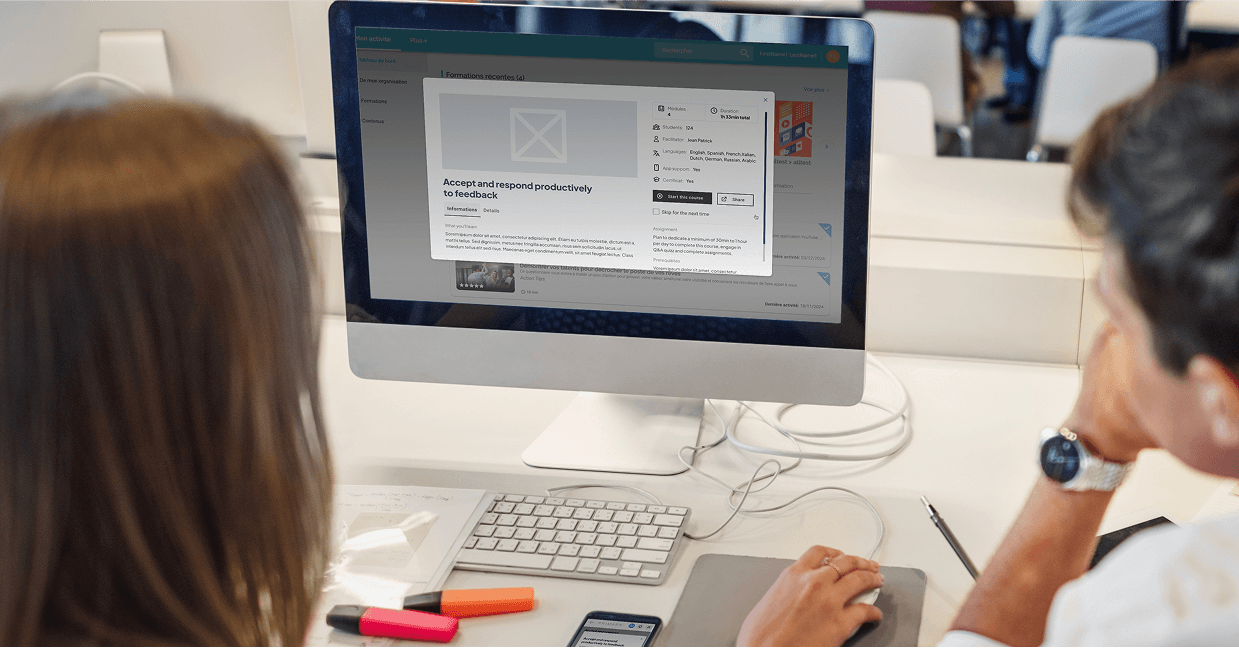
Visual identity
Creating a design system from scratch


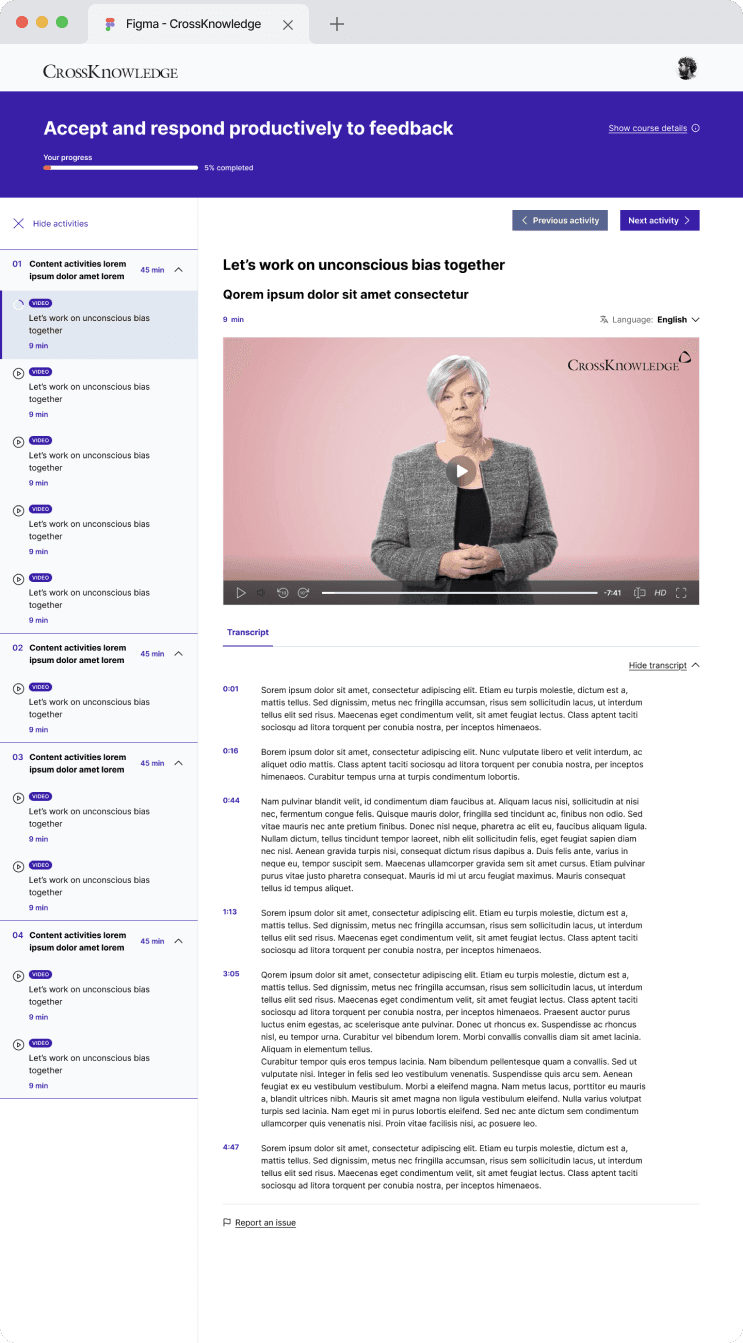
UI design
Build to enhance your learning experience


Accessibility
Keyboard navigation

Reflections & Future Directions
Results & impact
The user experience became cleaner, more intuitive, and motivating, users could more confidently navigate their learning journeys.
Accessibility compliance meant learners with disabilities were no longer left behind.
The design system provided scalability and consistency across future releases.
Mobile performance and responsiveness improved, making “learn anywhere” truly possible.
Lessons Learned
Documentation isn’t optional, without clarity, adoption suffers..
Feedback are important, continuous input from users and teams keeps the system relevant.
The system must live and evolve, it’s not a one-time project.
